How to Prompt Image Generators: A Master Guide
If you've ever felt frustrated when an AI image generator produces something completely different from what you imagined, you're not alone. The secret to bridging the gap between your imagination and the canvas lies in knowing exactly how to prompt image generators.
The Universal Anatomy of a Perfect Prompt
While different tools (like Midjourney, DALL-E 3, or Stable Diffusion) have their own quirks, a high-quality prompt usually follows a specific formula. Think of it as giving directions to a highly skilled but extremely literal artist.

The Core Framework:
- 1. Subject: What is the main focus? (e.g., A cybernetic samurai)
- 2. Action/Setting: What are they doing and where? (e.g., meditating in a neon-lit bamboo forest)
- 3. Medium/Style: How should it look? (e.g., 3D render, oil painting, cinematic photograph)
- 4. Lighting & Vibe: What is the mood? (e.g., dramatic volumetric lighting, ethereal, moody)
- 5. Technical Specs: details like resolution or camera lens (e.g., 8k resolution, shot on 35mm lens)
Choosing the Right Style Modifiers
When learning how to prompt image generators, your choice of words for the "Style" section makes the biggest impact. AI models don't just understand "make it look cool"—they understand specific art history terms, camera models, and artist names.
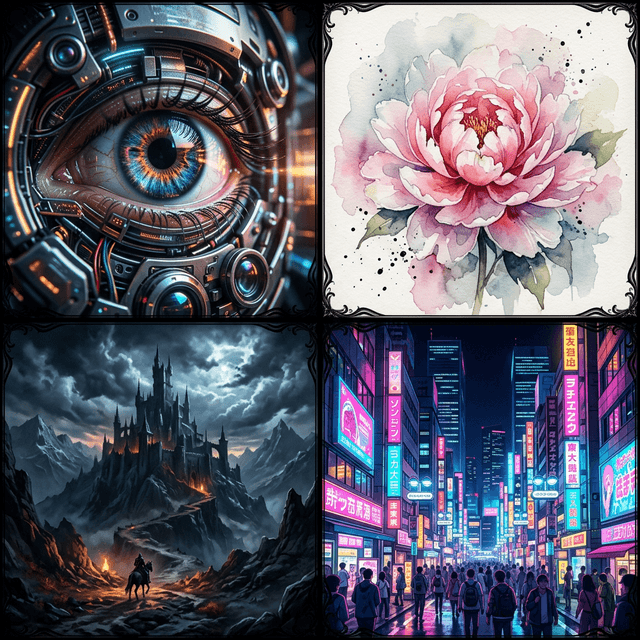
Instead of saying "Make it look realistic":
Try using: photorealistic, shot on Canon EOS R5, 85mm lens, f/1.8, cinematic lighting, sharp focus, incredibly detailed.
Instead of saying "Make it a drawing":
Try using: studio ghibli style, traditional watercolor animation, flat colors, clean lineart, soft pastel palette.
Platform-Specific Prompting Nuances
Midjourney: Thrives on comma-separated tags and parameters. Example: /imagine prompt: neon cityscape, cyberpunk, flying cars, rain --ar 16:9 --v 6.0
DALL-E 3: Prefers natural conversational language. You can speak to it like a human. Example: Create a wide panoramic image of a futuristic neon city with flying cars in the rain.
Stable Diffusion: Relies heavily on keyword weighting and negative prompts to steer the result away from bad anatomy or ugly colors.
Struggle with writing prompts from scratch?
If you have a reference image but don't know the right words to describe its style, composition, or subject, you can use our free tool to automatically reverse-engineer the perfect prompt!
Try Image to Prompt For Free