How an AI Anime Image Generator Brings Your Imagination to Life
Published: March 20268 min read
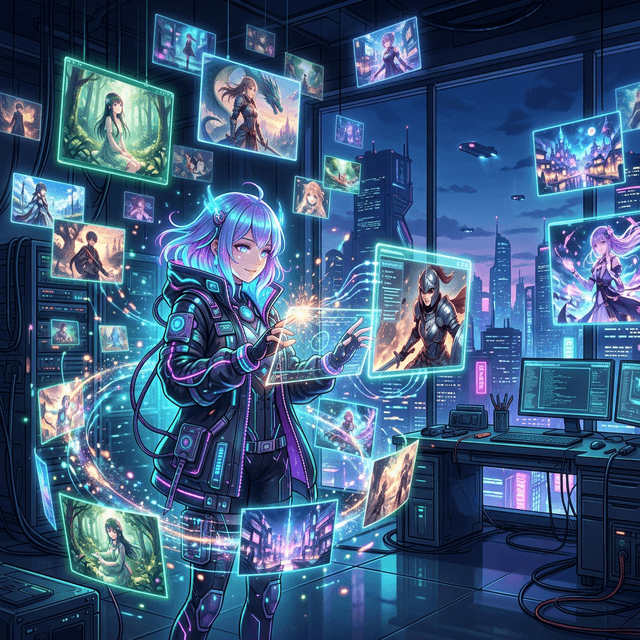
AI Anime Image Generator showcasing beautiful illustrations

Have you ever pictured a breathtaking anime scene in your mind but lacked the time or drawing skills to make it real? Enter the world of the ai anime image generator—a revolutionary tool that translates your words into stunning, high-quality anime art in seconds.

Why Use an AI Anime Image Generator?

Whether you're a writer visualizing characters for your novel, a game developer needing concept art, or simply an anime enthusiast, an ai anime image generator is the perfect creative companion. Unlike general AI art models, dedicated anime tools are fine-tuned on vast datasets of Japanese animation and manga styles, understanding nuanced terms like "shounen," "chibi," "cel-shaded," or specific artist lighting styles.

The key to unlocking the full potential of any ai anime image generator isn't just the tool itself—it's mastering the prompt. Let's dive into some practical examples you can try right now.

Action & Dynamic Poses: The Cyberpunk Samurai

Anime excels at dynamic, high-energy action shots. When writing prompts for your ai anime image generator, focus heavily on the background lighting, the character's movement, and camera angles (like "dynamic angle" or "from below").

Cyberpunk Samurai girl generated by AI anime image generator
Positive Prompt
masterpiece, best quality, ultra-detailed, 1girl, solo, cybernetic ninja suit, glowing neon katana, dynamic pose, jumping, high tech city background, night, raining, cyberpunk lighting, rim lighting, lens flare
Negative Prompt
(worst quality, low quality:1.4), (bad anatomy:1.2), blurry, missing fingers, extra digit, bad proportions, watermark, text

Ethereal & Fantasy Settings: The Magic Forest

Another popular use case for an ai anime image generator is creating breathtaking, Ghibli-esque fantasy landscapes. Here, the emphasis should be on lighting quality ("Tyndall effect," "sunlight filtering through leaves") and intricate environmental details.

Magical forest scenery from an AI anime image generator
Positive Prompt
masterpiece, best quality, beautiful detailed landscape, ancient magical forest, glowing plants, floating particles, sun rays filtering through giant ancient trees, beautiful lighting, cinematic composition, studio ghibli style, lush green
Negative Prompt
(worst quality, low quality:1.4), simple background, dark, gloomy, character focus, modern buildings

Mastering the AI Anime Image Generator Formula

To consistently get excellent results from your ai anime image generator, keep this structure in mind. The closer you stick to this formula, the less likely the AI is to produce chaotic or messy anatomical results:

Formula ComponentDescription & TipsExample Tags
1. Quality TagsThe foundation. Signals the AI to pull from its highest-tier training data.masterpiece, best quality, highres, 8k, ultra-detailed
2. SubjectDefine the main character clearly. Start broad and drill down into specifics. The order matters!1boy, 1girl, solo, messy silver hair, heterochromia, techwear jacket
3. Action & PoseWhat are they doing? Be specific instead of just saying "standing".looking back over shoulder, adjusting glasses, dynamic jumping pose
4. EnvironmentGive them a place to exist. Specify the background and camera framing.cowboy shot, close-up portrait, futuristic classroom, snowy mountaintop
5. Style & LightingThe polish. This separates good art from great art.cinematic lighting, rim lighting, anime screencap, cel-shaded
💡 Pro Tip: Don't forget your Negative Prompts! A strong negative prompt like "(worst quality, low quality:1.4), bad anatomy, missing fingers" acts as a guardrail, telling the AI exactly what mistakes to avoid during generation.

Ready for more Anime Inspiration? Enter the Ultimate Library.

Stop guessing and start creating. Explore thousands of pre-tested, high-quality anime prompts ready to be used in your favorite AI anime image generator.