Product Photo Prompt Templates
Copy-and-Use Formulas for Better AI Product Images
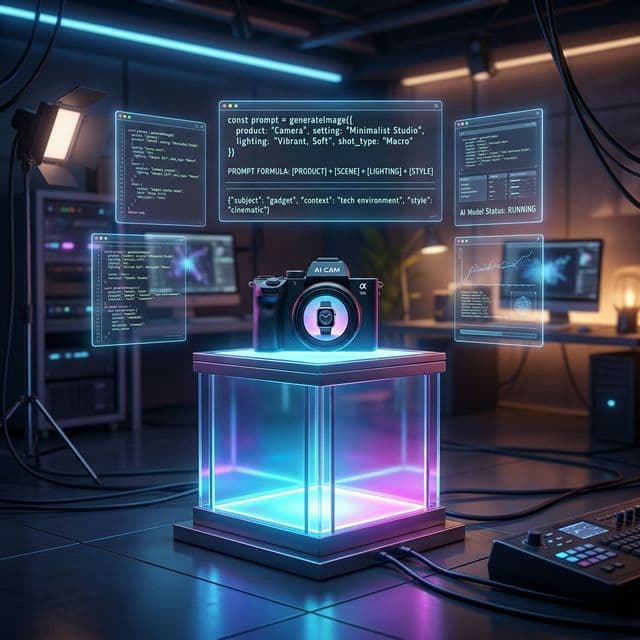
Good AI product photography rarely comes from generic prompts like "make a nice product shot". The outputs improve fast when you work from a product-focused template that covers the scene, lighting, surface, camera angle, material behavior, and brand mood.
This page is built to be practical. Instead of explaining prompting in general, it gives you copy-and-use product photo prompt formulas for common commercial use cases: skincare, electronics, jewelry, food, packaging, and premium hero shots.
The base product photo formula
Core structure
product + surface or prop + lighting + background + camera angle + material detail + brand mood + commercial finish
That order matters. Product prompts usually fail when they focus only on the object and ignore what makes commercial photography feel premium: controlled reflections, shadow quality, surface styling, negative space, and the overall retail mood.
How to use these templates
- Pick the template closest to the category you want to generate.
- Swap the placeholders with your actual product, material, color, and background notes.
- Keep only the details that visually matter for your brand.
- Shorten the result for Midjourney, or keep it more descriptive for GPT Image and similar models.
- Generate multiple versions with one variable changed each time, such as lighting, angle, or prop styling.
Template 1: Minimal studio product shot
Best for ecommerce thumbnails, Amazon-style listings, and clean direct-response creatives.
studio product photography of [product], centered on [surface], soft diffused lighting, clean [background color] background, subtle shadow, [camera angle], accurate material detail, premium commercial look
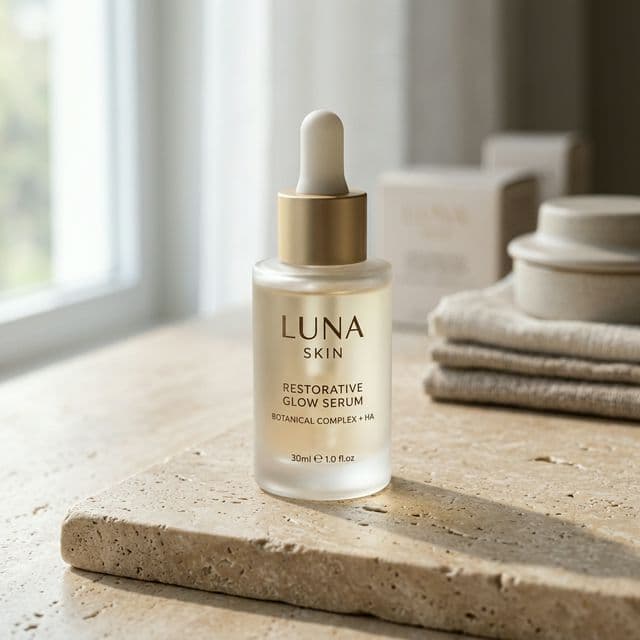
Template 2: Luxury skincare prompt
Useful for serums, creams, oils, and wellness packaging where moisture, glow, and texture matter.
luxury skincare product photo of [product], placed on [stone or glossy surface], soft editorial lighting, hydrated glow, clean beige or cream palette, elegant reflections, premium beauty campaign, close-up commercial photography
Template 3: Technology product prompt
Works well for earbuds, phones, cameras, gaming devices, and accessories.
hero product photo of [tech product], on [surface], dramatic controlled lighting, dark premium background, sharp rim light, precise reflections, three-quarter angle, sleek industrial design focus, high-end commercial render look
Template 4: Jewelry and small luxury object prompt
Jewelry needs more than shine. It needs controlled highlights, believable metal, and depth separation.
macro product photography of [jewelry item], on [surface], soft spotlight, rich shadow depth, crisp metal texture, gemstone sparkle, dark elegant background, luxury editorial style, ultra detailed commercial image
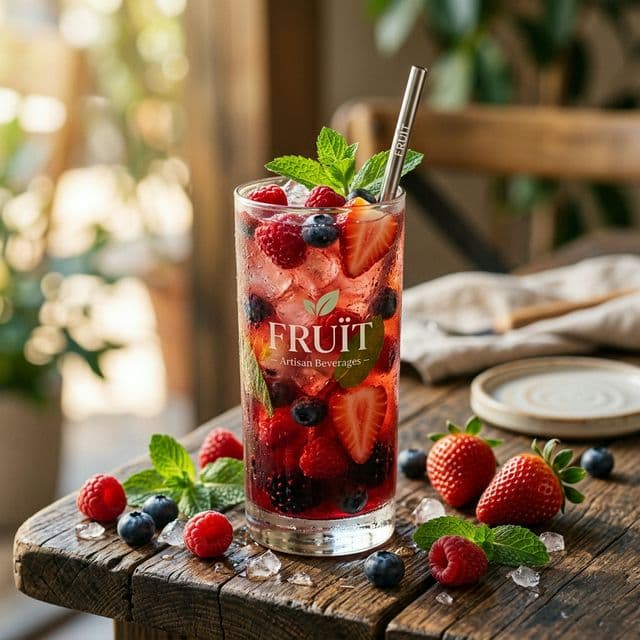
Template 5: Food or beverage product prompt
Use this for packaged drinks, desserts, snacks, and menu hero images.
commercial food product photography of [product], styled with [props], appetizing natural lighting, rich texture detail, clean brand color palette, shallow depth of field, premium advertising shot
Template 6: Packaging launch hero shot
This works for homepage headers, launch banners, and ad creatives where the packaging itself is the star.
hero packaging shot of [product], large in frame, premium [background style], dramatic but clean lighting, strong negative space, crisp edges, high brand polish, modern commercial advertising image
How to rewrite generic outputs into better product prompts
If an extracted prompt feels weak, it is usually because the language is too broad. Replace vague words with physical detail:
- Replace nice lighting with soft top light, editorial side light, or controlled rim light
- Replace luxury with travertine surface, frosted glass, matte gold cap, or deep shadow falloff
- Replace premium background with clean warm gradient, dark charcoal backdrop, or minimal reflective acrylic stage
Final takeaway
Product imagery rewards specificity more than most prompt categories. When you define the surface, light, material behavior, and commercial mood clearly, the output gets much closer to something you could actually ship on a landing page or ad.
The best workflow is simple: start from a product template, swap the category-specific details, then iterate on one variable at a time. That is usually enough to turn a flat product render into a usable marketing asset.
Related articles
Keep reading with practical prompt guides, model comparisons, and workflow examples.
Negative Prompt Examples: Improve AI Image Quality Faster
Use practical negative prompt examples to remove extra fingers, bad anatomy, warped text, messy backgrounds, low detail, and other common AI image problems.
Nano Banana 2 Prompts: 12 Practical Image Editing Examples
Use 12 copy-and-adapt Nano Banana 2 prompts for product photos, portraits, text layouts, background edits, and consistent visual series.
How an AI Anime Image Generator Brings Your Imagination to Life
Discover the magic behind AI anime image generators. Learn how to craft the perfect prompts to generate stunning anime art, featuring interactive prompt templates.
The image-to-prompt service has ended
The generator is offline. Visit the homepage for the full service update.