How to Choose an AI Image Generator in 2026
A Workflow-Based Comparison
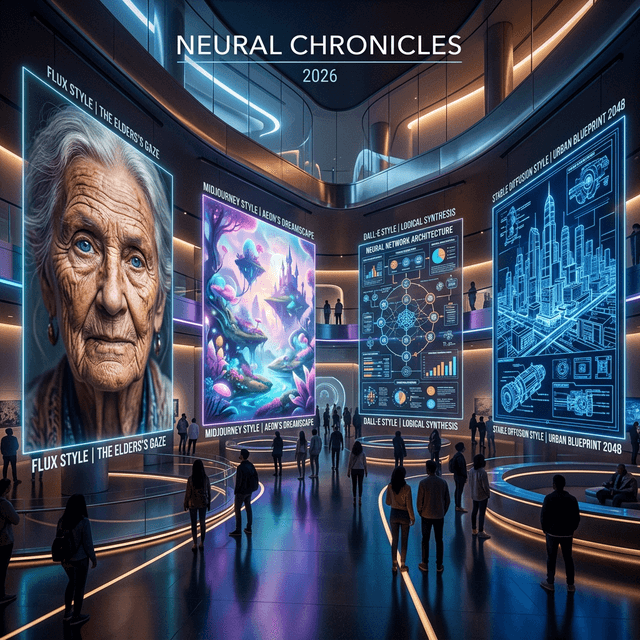
There is no universally best AI image generator. Visual exploration, conversational editing, brand production, product photography, and private deployment demand different capabilities. This guide compares Midjourney V8.2, GPT Image 2, Nano Banana 2, FLUX.2, and Stable Diffusion 3.5 by the work you need to finish.
Quick answer: choose by job
| Primary job | Test first | Why | Watch-out |
|---|---|---|---|
| Visual direction and concepts | Midjourney V8.2 | Fast composition and style exploration | Verify exact text and product structure |
| Language-led editing and text concepts | GPT Image 2 | Multi-turn edits and instruction following | Complex layout still needs review |
| Multi-reference and iterative edits | Nano Banana 2 / Pro | Preserve the subject while revising | Choose the right production tier |
| Products, references, and brand color | FLUX.2 | Reference fidelity and production controls | Compare tiers and licensing |
| Self-hosting and custom pipelines | Stable Diffusion 3.5 | Infrastructure control and customization | Own compute, security, and maintenance |
Same subject, different production goals
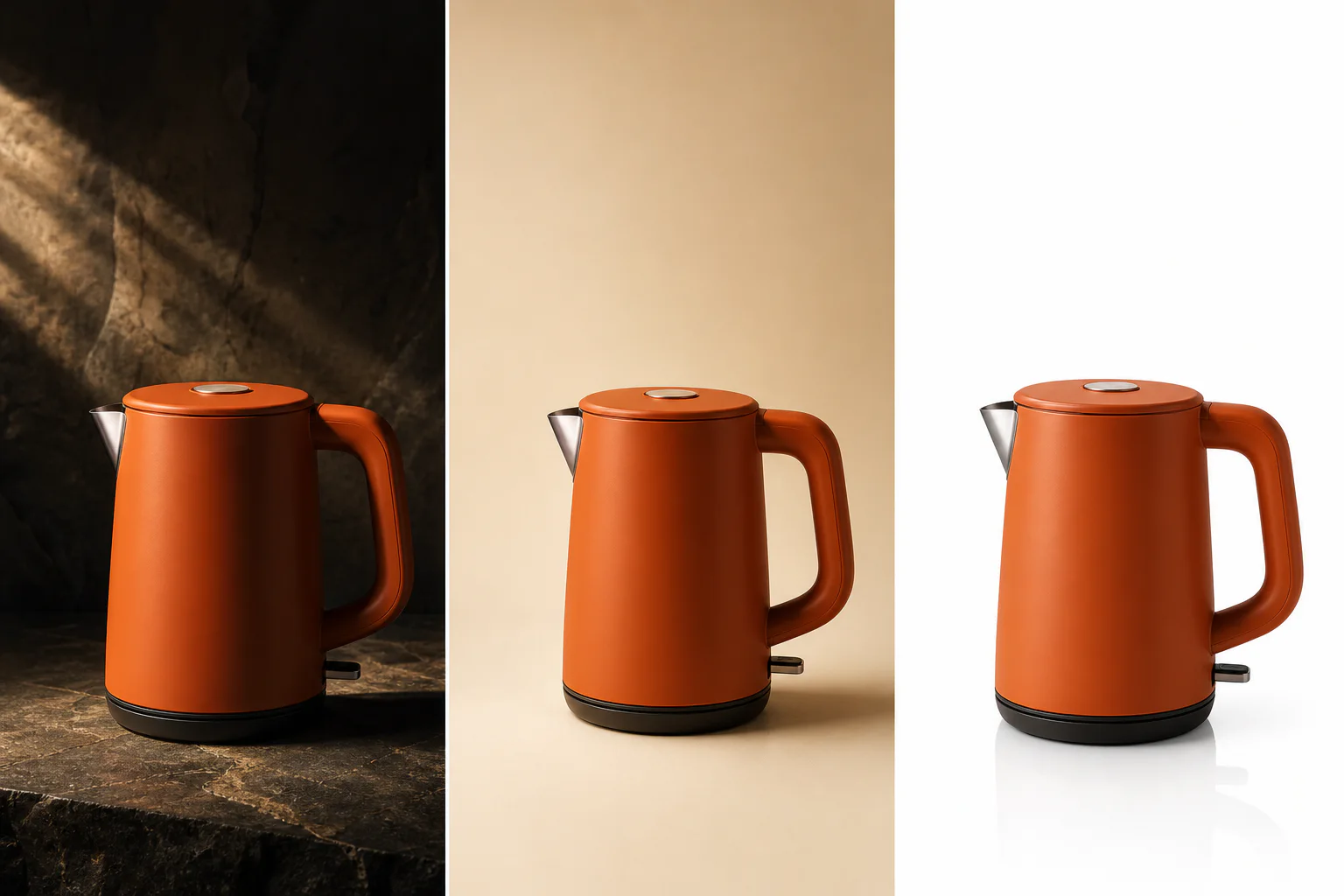
The product remains recognizable while lighting, background, and negative space serve different deliverables.
Keep the same orange kettle silhouette, handle, spout, proportions, and color. Create a cinematic visual direction, a warm advertising composition with negative space, and a controlled white-background ecommerce catalog image.
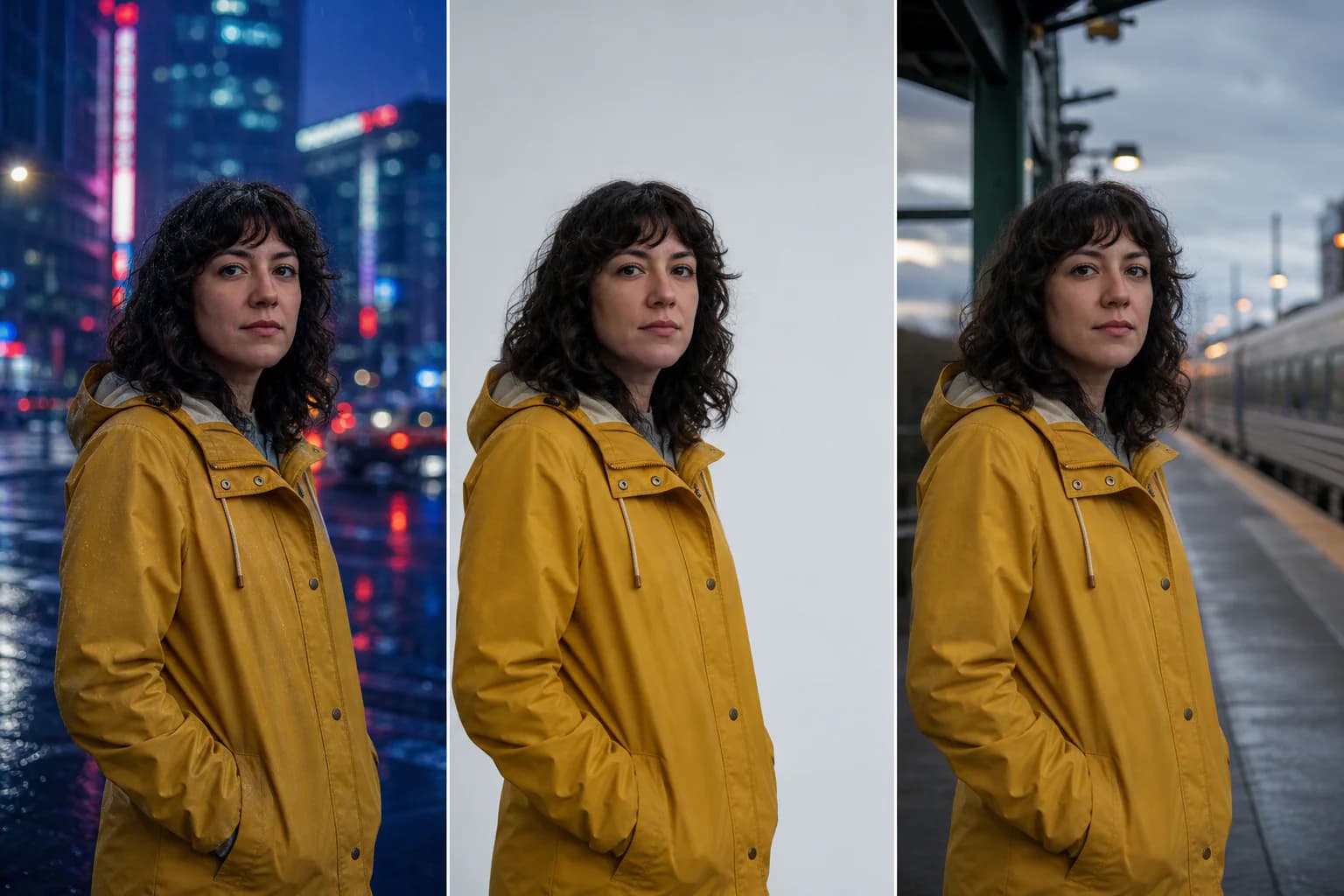
Identity and clothing stay consistent while the environment changes to test preservation constraints.
Keep the same face, curly hair, yellow raincoat, expression, proportions, pose, and camera angle. Change only the environment to a rainy city, a gray studio, and an evening transit platform.
What a useful comparison should measure
- Instruction following: subject, count, position, camera, and constraints.
- Text and layout: headlines, labels, packaging copy, and usable whitespace.
- Reference fidelity: whether people, products, clothing, and brand details survive edits.
- Control: seeds, structure controls, local edits, multiple references, and custom models.
- Production efficiency: throughput, API support, failure recovery, and revision time.
- Rights and deployment: commercial terms, data handling, and self-hosting requirements.
Midjourney V8.2: fast visual direction
Midjourney’s official version page identifies V8.2 as the default model from July 24, 2026, with updates focused on aesthetics, image quality, and personalization. It is a strong option when the first deliverable is a mood board, campaign atmosphere, editorial composition, or concept-art direction.
Treat it as a visual director, not a precision layout engine. Use it to choose composition, mood, palette, and styling, then move exact copy, regulated packaging text, or pixel-sensitive layout into a controlled design workflow. Budget for human correction whenever the image must reproduce a product or legal claim exactly.
Midjourney official version documentation
GPT Image 2: conversational editing and text-heavy concepts
OpenAI’s current model documentation presents GPT Image 2 as its state-of-the-art image generation model. It accepts text and image inputs and supports both generation and editing. A current comparison should not use DALL·E 3 or GPT Image 1.5 as the default OpenAI representative.
GPT Image is useful when the brief evolves through language: keep the product, replace the background, move the headline, change one material, or preserve a reference while making a targeted edit. Text rendering has improved, but complex typography can still fail. Every packaging label, price, disclaimer, and legal line needs human verification.
OpenAI official image generation guide
Nano Banana 2: multi-reference and iterative editing
Google positions Nano Banana 2 (Gemini 3.1 Flash Image) as the general-purpose balance of quality, speed, and cost. Nano Banana Pro targets complex creative work, brand consistency, and precise control, while Nano Banana 2 Lite prioritizes throughput and cost. Treat them as separate production tiers, not interchangeable names.
Put Nano Banana 2 on the shortlist when you need to replace a background while preserving a person or product, combine references, or revise the same visual over several turns. State both the requested change and the details that must remain unchanged.
Google official Nano Banana image generation guide
FLUX.2: product imagery, references, and production controls
Black Forest Labs presents FLUX.2 as its recommended generation and editing family. Its documented capabilities include multiple references, color controls, structured prompting, and output up to roughly 4MP, with variants aimed at throughput, production scale, control, or maximum quality.
Put FLUX.2 on the shortlist when material realism, brand color, product presentation, character consistency, or multi-reference composition matters. A useful evaluation should include reflective packaging, skin, hands, repeated characters, embedded text, and unusual aspect ratios—not only one attractive hero image.
Black Forest Labs official FLUX.2 overview
Stable Diffusion 3.5: self-hosting and deep customization
Stability AI offers Stable Diffusion 3.5 through API and self-hosted routes. Its strategic value is control over infrastructure and workflow: private environments, custom pipelines, internal assets, and deployment boundaries that a hosted creative application may not provide.
That flexibility transfers responsibility to the team. GPU capacity, inference services, licensing, model updates, security, and quality assurance all need owners. Self-hosting rarely minimizes cost for occasional social graphics, but it can be the right decision for sensitive data or a large, repeatable internal pipeline.
Stability AI official Stable Diffusion page
A reproducible evaluation you can run
- Create four briefs: portrait, product, text poster, and reference-image edit.
- Use the same requirements, aspect ratio, and output language on every platform.
- Generate at least four result sets per brief and record model version, date, prompt, and settings.
- Have at least two reviewers score each result independently on the six criteria above.
- Measure total time to a deliverable result, including retries and manual corrections.
- Remove any candidate that fails licensing, privacy, or asset-provenance requirements.
A model-neutral prompt structure
subject and action → use case → composition and camera → lighting → materials → color → details to preserve → problems to avoid → aspect ratio
If you have a reference image, use the image-to-prompt tool to extract subject, lighting, lens, material, and composition, then remove details that do not belong in the new brief. The output should be treated as an editable requirements draft, not a magic phrase that must be copied unchanged.
Final recommendation
- Concept exploration and visual direction: start with Midjourney.
- Conversational edits and text-led concepts: test GPT Image.
- Multi-reference and iterative editing: test Nano Banana 2 or Pro.
- Products, brand color, references, and production APIs: evaluate FLUX.2.
- Private deployment and custom infrastructure: evaluate Stable Diffusion 3.5.
The defensible answer is not a universal online ranking. It is the result of your own four briefs, one scoring rubric, and the real cost of reaching a deliverable asset.
Related articles
Keep reading with practical prompt guides, model comparisons, and workflow examples.
How to Prompt Image Generators: A Master Guide
Learn the essential techniques and formulas for how to prompt image generators like Midjourney, DALL-E 3, and Stable Diffusion to get high-quality AI art.
Nano Banana 2 Prompts: 12 Practical Image Editing Examples
Use 12 copy-and-adapt Nano Banana 2 prompts for product photos, portraits, text layouts, background edits, and consistent visual series.
Image to Prompt Examples: 3 Worked Reference Images
See how portrait, forest, and cartoon references become clearer, reusable AI image prompts through practical worked examples.
The image-to-prompt service has ended
The generator is offline. Visit the homepage for the full service update.