How to Prompt Image Generators: A Master Guide
If you've ever felt frustrated when an AI image generator produces something completely different from what you imagined, you're not alone.
The Universal Anatomy of a Perfect Prompt
While different tools have their own quirks, a high-quality prompt usually follows a specific formula.
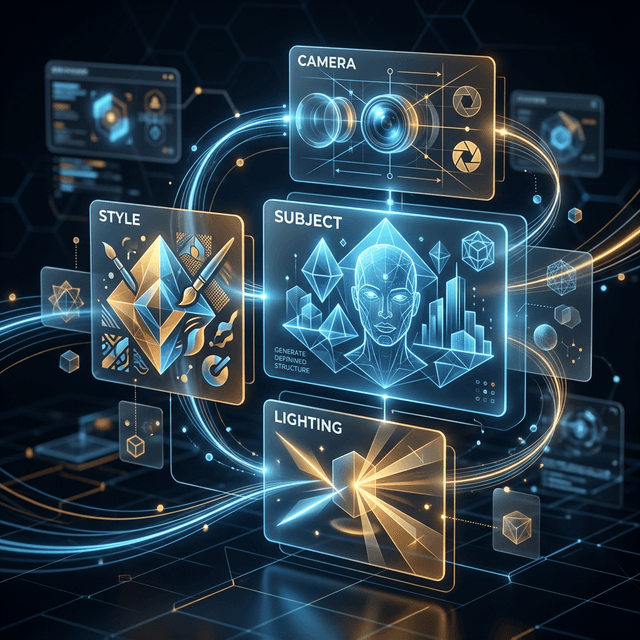
The Core Framework:
- 1. Subject: What is the main focus?
- 2. Action/Setting: What are they doing and where?
- 3. Medium/Style: How should it look?
- 4. Lighting & Vibe: What is the mood?
- 5. Technical Specs: details like resolution or camera lens.
Choosing the Right Style Modifiers
Your choice of style words makes the biggest impact.
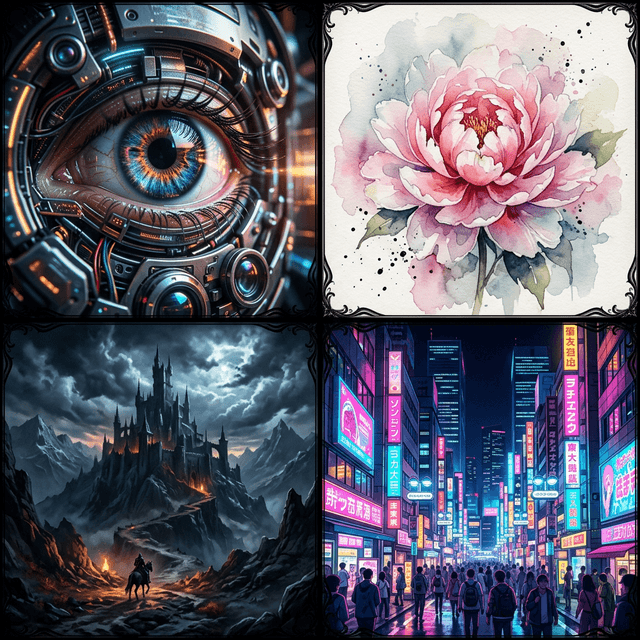
Instead of saying "Make it look realistic"
Try using: photorealistic, shot on Canon EOS R5, 85mm lens, f/1.8, cinematic lighting, sharp focus, incredibly detailed.
Instead of saying "Make it a drawing"
Try using: studio ghibli style, traditional watercolor animation, flat colors, clean lineart, soft pastel palette.
Platform-Specific Prompting Nuances
Midjourney: Thrives on comma-separated tags and parameters.
DALL-E 3: Prefers natural conversational language.
Stable Diffusion: Relies heavily on keyword weighting and negative prompts.
Related articles
Keep reading with practical prompt guides, model comparisons, and workflow examples.
Best AI Image Generators in 2026: A Workflow Comparison
Compare Midjourney V8.2, GPT Image 2, Nano Banana 2, FLUX.2, and Stable Diffusion 3.5 by the creative job you need to finish.
How to Convert an Image to a Prompt: Step-by-Step Guide
A practical workflow for extracting a prompt, correcting visual details, and adapting the result to the image model you use.
What Is Image to Prompt? A Practical Beginner Guide
Learn what image-to-prompt tools actually extract, where they help, what they miss, and how to judge the result.
The image-to-prompt service has ended
The generator is offline. Visit the homepage for the full service update.